Maker Growth Hub · Free preview

Private & Unfiltered AI for Makers

Run your own AI on your own computer. Your shop files stay home, and it makes the designs and listings the big apps refuse.

  1. 1
    Why run your own AI
  2. 2
    Pick your model
  3. 3
    Private text AI
  4. 4
    Images, no filter
  5. 5
    Use it from your phone
  6. 6
    Put it to work
Clay robot Bolt at a maker workbench next to a little house that keeps a glowing brain safe inside

Lesson 1 of 6

Why run your own AI

The big AI apps are rented. They read what you send, and they decide what you are allowed to make. Running a private AI model on your own computer fixes both of those, and for a lot of Hub members the second one is the bigger deal.
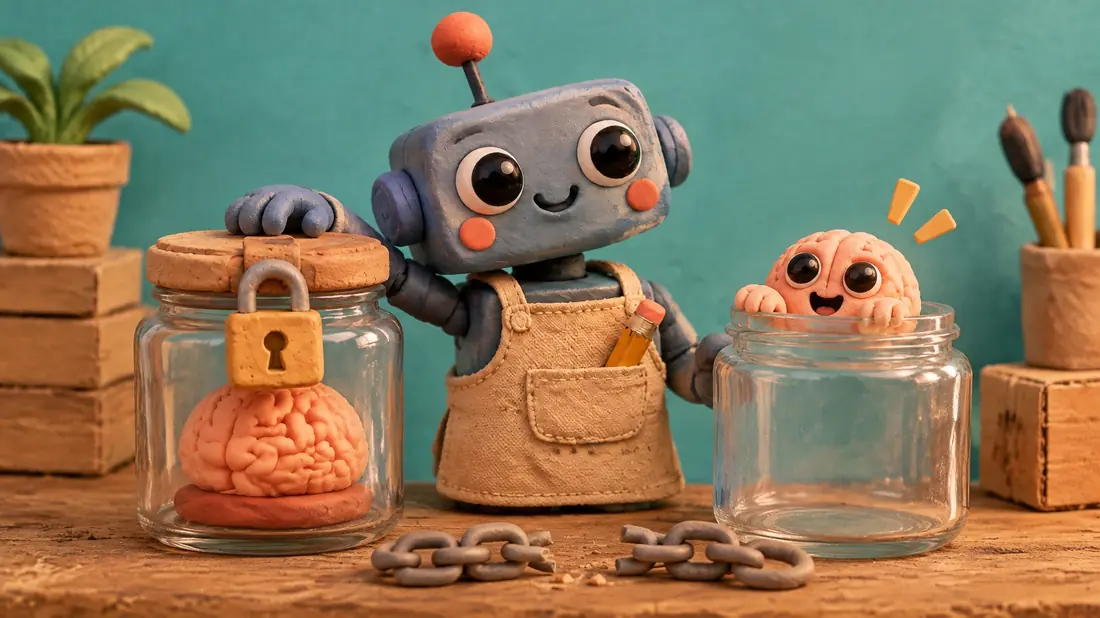
Clay robot Bolt beside a locked jar holding a brain and an open jar where a happy brain climbs out

Reason 1: it stays private

A local AI model reads your files on your machine. Nothing is uploaded, and there is no bill per word. That makes it the right tool for:

  • Customer order exports, names and addresses
  • Wholesale contracts and vendor agreements
  • Your pricing sheets and cost of goods
  • Anything you would not paste into a public chat

Reason 2: it stops saying no

Members keep hitting the same wall: the online tools refuse perfectly legal shop work. Things like:

  • Halloween skulls, horror and gore designs that get flagged
  • Hunting, firearm and 2A designs for engraving
  • Adult humor tumblers, bachelorette and "spicy" party products
  • Listings for CBD, wellness or mature products
  • Hard conversations: grief memorials, health topics, legal worries

What "abliterated" and "uncensored" mean

Abliterated
Researchers found that a model's refusals mostly come from one direction inside its weights. Abliteration finds that direction and removes it. The model stops refusing, and the rest of it stays the same. (The research paper.)
Uncensored
A looser label. Sometimes it means the model was retrained on new data. Sometimes it is only a name. Read the model page before you trust it.
Open image models
For pictures it is simpler. When you run an image model on your own computer, there is no filter sitting in front of it checking your prompt. What it can draw depends only on what it learned.

Does removing the filter make it dumber?

Sometimes, a little. Builders of abliterated models report small losses on tests, and older ones lost more. The honest answer is: run the normal model and the abliterated one side by side on your work and keep whichever does the job.

The ground rules (read these twice)

No filter is not the same as no rules. Trademark and copyright law still apply. A filter that blocks a cartoon mouse is often protecting you. Selling licensed characters you did not license can get your Etsy or Shopify shop shut down, filter or no filter.
Platform rules still apply. Etsy, Shopify, Facebook and Amazon all have their own content policies. Your listing still has to pass them.
Real people need consent. Do not generate a real person's likeness, voice or name for products without their permission.
The judgment is yours now. The model will not stop you. Use it on your own work, your own systems, and stay inside the law.
Save what you rely on. A model page can be taken down. Once it works for you, back up the file (Lesson 3 shows where it lives).

Checkpoint

1. What does abliteration remove from a model?
2. An unfiltered image model draws a famous cartoon character for you. Can you sell it on Etsy?
3. Which of these belongs on a local model, not an online chat?

Your assignment: List three shop tasks an online AI refused, or that you wouldn't paste into one. Keep the list: you'll use it in Lesson 6.

Lesson 2 of 6

Pick your model

Tell it your computer and what you want to do. It gives you the model for writing and thinking, the model for pictures, the download size, and the exact commands.
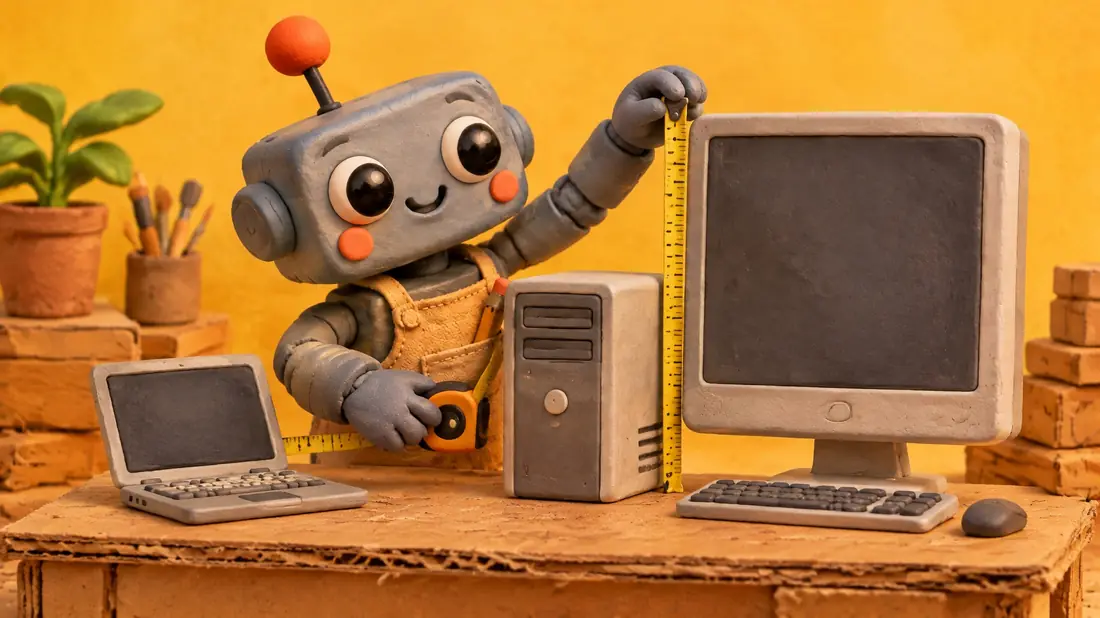
Bolt measuring a laptop, a desktop tower and a big monitor with a tape measure
What do you want most?

Model list and download sizes checked November 2026. The memory fit is a rule of thumb, not a test on your machine. "Thinks like" compares the normal build's score on the Epoch Capabilities Index with the first closed model to reach it. Nobody has scored the abliterated builds.

Checkpoint

1. On a Mac with an Apple chip, which number decides what model fits?
2. On a Windows PC with an NVIDIA card, which number matters most?
3. What is the "twin" the picker shows you?

Your assignment: Write down your writing model, its twin, your image model, and the download sizes.
The rest is for Hub members

Lessons 3 to 6 walk you through setup, unfiltered image making, phone access and real shop jobs, with copy-paste prompts, checkpoints and a live clinic.

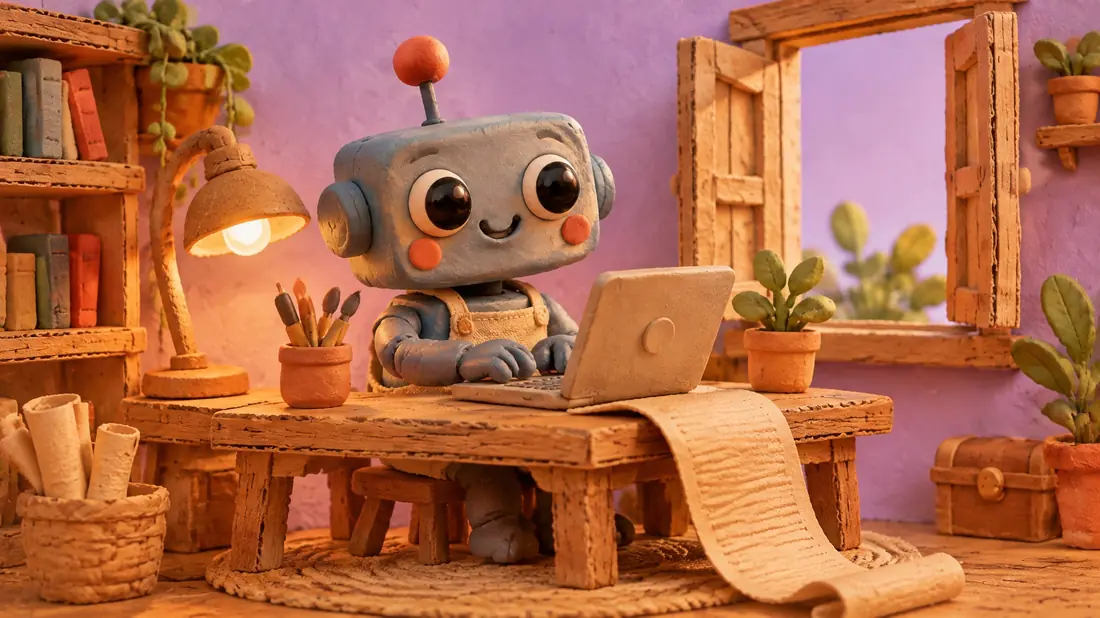
Bolt typing on a laptop at a cozy desk, a long scroll of writing spilling onto the floor

Lesson 3 · members

Private text AI

Install your private AI, test its speed, and run Claude Code on it.

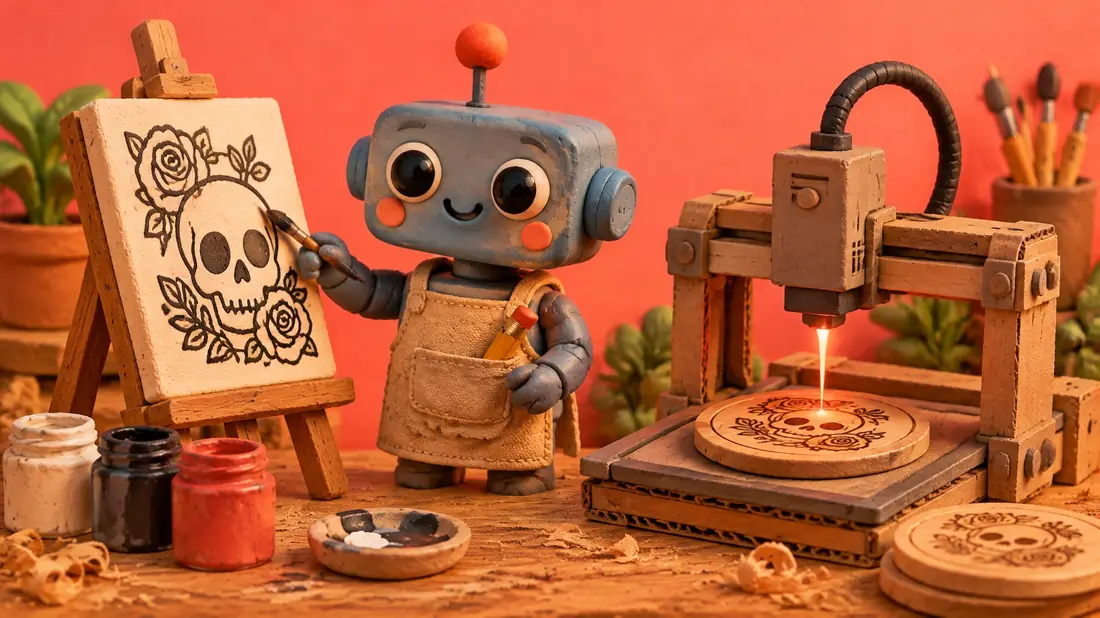
Bolt painting skull-and-roses line art while a laser engraver etches it onto a wooden coaster

Lesson 4 · members

Images, no filter

Draw Things and ComfyUI, the models you can sell from, and shop-ready prompts.

Bolt at a craft show booth on his phone, a glowing line running back to a computer in a house on the hill

Lesson 5 · members

Use it from your phone

Reach your home AI from your phone at a craft show, safely, with Tailscale.

Bolt in goggles studying a gadget taken apart into gears and springs with a magnifying glass

Lesson 6 · members

Put it to work

Four real shop jobs, from a year of orders to a seasonal design set.

Join the Advanced Track

Get the full course, the live clinic, and a community of makers using AI on their own terms.

See membership options

Keep going

More free maker resources

The picker above gets private AI for makers running on your own machine. These put it to work in the shop, and they are free too: