For eufyMake E1 owners
Jigs you laser cut or 3D print, raised relief prints, print and cut with your laser, and personalized batches from your Etsy orders, all saved as eufyMake Studio projects that open ready to print on the Small or Max Platform.
They run in your browser and read your art on your own computer. No account, nothing uploaded, and nothing to install.
Independent tools from makers, for makers. Not made, sponsored or endorsed by eufyMake.
What you can make for the E1
See it before you print
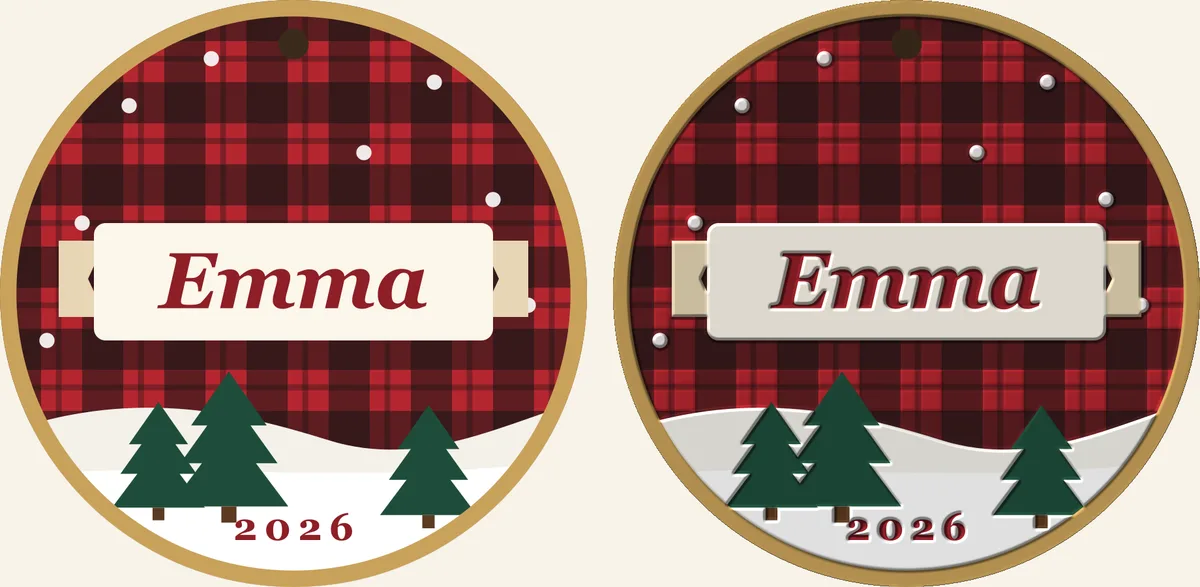
Made by the tools on this page, from a sample ornament design. Every preview runs in your browser before you spend a blank or a drop of ink.
▼ You look from this side
Questions
Yes. The jig builder designs a holder for your blank (rectangle, rounded or circle) sized to the E1’s Small Platform (335 × 90 mm) or Max Platform (335 × 420 mm), with a finger notch on every pocket so blanks lift out. You get an SVG to cut on a laser or an STL to 3D print at 3 or 6 mm, checked against your 3D printer’s bed. Then it lays your art into every pocket and saves a eufyMake Studio project. A paper test prints just the pocket outlines first, so you can check the alignment before you spend a blank.
The E1 prints from eufyMake Studio, and its project files are .empf. Everything the toolkit makes for the E1 is a .empf project that opens in eufyMake Studio with the images placed on the platform you picked, at their real size, with the white and varnish layers already set.
Pick them before you save. The projects carry your white layers (one to five, more for dark or clear blanks) and gloss varnish on or off, the way eufyMake Studio sets them up, so the E1 prints what you meant without re-setting layers.
Yes. The relief maker turns a photo or logo into a height map, previews it in 3D, and saves a eufyMake Studio relief project with the raised height set. Logos get a crisp beveled edge; photos can raise the light or the dark areas.
Yes, two ways in Cutout Studio. Cut first, print in place: the laser cuts every piece out of a sheet but leaves small holding tabs, the sheet goes on the E1 against the same corner, and each print lands on its piece. Or print first, cut after: the E1 prints a sheet with registration marks and your laser or cutting machine cuts around each design.
Yes. The jig builder, relief maker, Cutout Studio and Batch Maker save ready projects for the eufyMake E1 (.empf) and the xTool O1 Omni (xTool Studio, .xs) from the same design, so you can run the same job on either. We don’t sell either machine and we aren’t paid by either company.
What makers already sell from a UV printer, made faster: personalized names on keychains, magnets, coasters and ornaments laid out in a jig; stickers printed and cut; raised logo and photo prints; UV DTF decals and tumbler wraps. The pricing calculator tells you what to charge so the work pays.
No to both. The tools are free and run in your browser; your art never leaves your computer. Eighteen of the twenty-three Maker Toolkit tools are free, and the Batch Maker is for Maker Growth Hub members.
After the machine
The Maker Growth Hub works on everything after the print: pricing that pays, listings and photos that sell, and the systems that keep a busy week from running you.
See what’s inside the HubNot ready yet? Start free: the Maker AI Starter Kit.
Tools for the xTool O1 Omni → · All twenty-three maker tools →